
Make sense of the everyday choices
Printer buying and setup guides.
Work from the documents you make to the functions, paper paths, connections, supplies and space that fit the job.
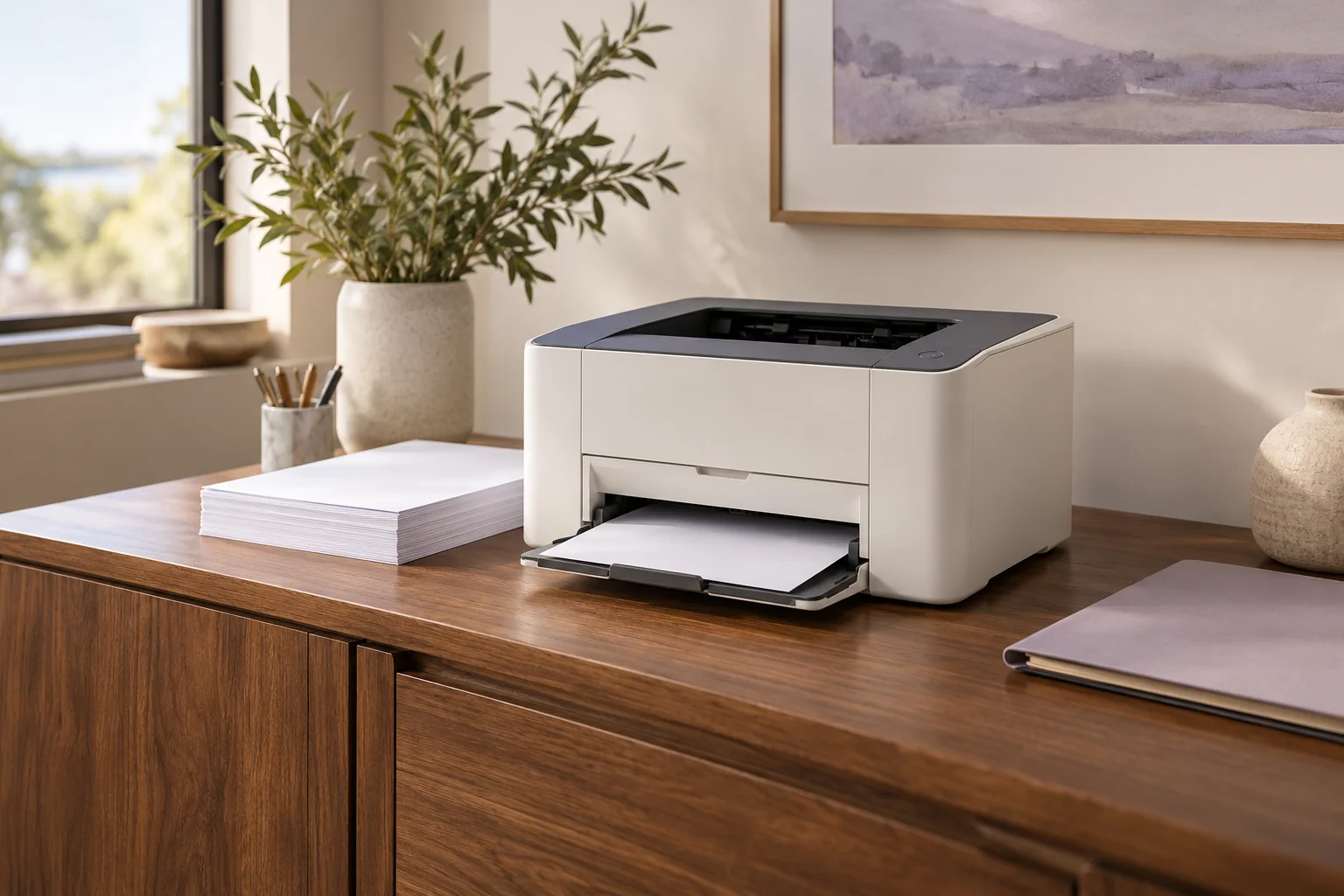
Choose a printer around your document routine
Work from your documents and connections to useful paper handling, supplies and a practical shortlist.
Read the guide ↗Printing outputMonochrome, color and LED: separate the choices
Distinguish printed color, color scanning and toner-based imaging technology before choosing a printer.
Read the guide ↗Two-sided documentsPrint duplex, scan duplex and single-pass scanning
Understand automatic two-sided output, reversing feeders and single-pass scanning as separate functions.
Read the guide ↗Your connectionUSB, Ethernet, Wi-Fi and mobile printing
Match the intended printing and scanning route instead of treating every socket or wireless feature as equivalent.
Read the guide ↗Paper pathsLetter, Legal and envelopes: check the actual route
Keep paper size together with the tray, media limits, duplex path and separate scanner route.
Read the guide ↗Useful specificationsMonthly volume and print speed in context
Separate recommended workload, maximum duty, one-sided Letter rates and scanning throughput.
Read the guide ↗Everyday ownershipToner, drums and realistic running-cost comparisons
Understand supply identities, starter and replacement yields, maintenance items and the inputs a cost calculation needs.
Read the guide ↗Document jobsPlan scanning, copying and fax around your originals
Choose flatbed and feeder routines, scan destinations and supported document jobs in one usable arrangement.
Read the guide ↗Your workspacePlan printer space and shared-document handling
Allow for opening, loading, supplies, connections and operating access rather than only the closed unit body.
Read the guide ↗Earlier modelsWhat to check before buying an earlier printer
Verify the exact edition, current software support, supplies and seller condition separately from a historical manual.
Read the guide ↗