
Start here
Choose a printer around your document routine
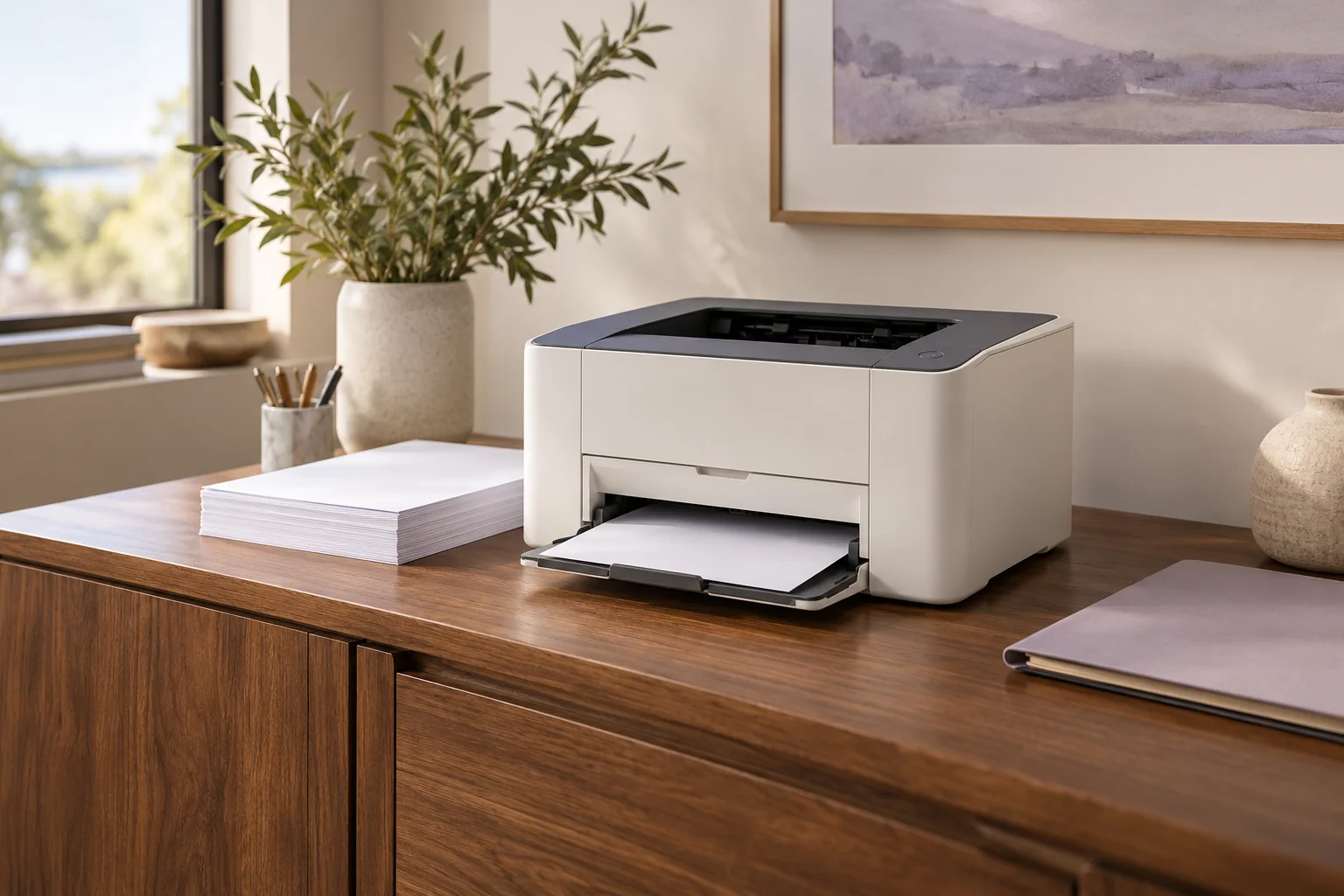
Start with the documents you make and the steps you repeat. The most useful printer is the one that handles that routine with a connection, paper path and supply arrangement you understand.
List the jobs before choosing the machine
Separate printing, scanning to a computer, making a standalone copy and sending a fax. A print-only device can be a sensible choice when a separate scanner already handles your originals. A multifunction printer earns its extra space when those document jobs are part of the routine.
Think about the original as well as the finished page. A book or fragile receipt calls for different scanning access from a stack of ordinary office sheets. If both sides of a stack must be captured, ask specifically how the feeder handles the second side.
Choose color for a real reason
Decide whether information must appear in color on the printed page. A monochrome printer may still scan a color original, and a color control panel says nothing about the output. These features solve different problems.
For a mostly text-based workload, ask how often you would genuinely need a color print. For handouts, charts or a team’s mixed documents, color may be central. Neither answer requires a guess about photographic quality from a specification sheet.
Put the connection into the decision
A USB computer connection, wired network, existing Wi-Fi network and Wi-Fi Direct arrangement are different routes. Choose the route you intend to use, then check that the required scanning and mobile functions are supported through it.
A network-capable model does not necessarily contain a wireless radio. Conversely, a wireless printer still needs a compatible network setup, current software where required, and a suitable place for paper and cables.
Describe a normal day of paper handling
Do you print ordinary Letter documents, two-sided reports, envelopes or Legal sheets? Check the exact size in the intended tray and duplex routine. A paper size accepted through a manual feed may have different handling from the main tray.
Choose automatic two-sided printing if you want the printer to turn the sheet. Choose automatic duplex scanning separately if you want the feeder to capture both original sides. A single-pass scanner is a further distinction, rather than another name for either feature.
Finish with ownership and space
Estimate an ordinary month of printing. Compare it with the manufacturer’s recommended volume, then inspect included paper capacity, cartridge identity and any separately replaced maintenance items. Maximum duty is a different figure from a sensible recurring workload.
Measure the location with access in mind. Opening the scanner, loading paper, extending a tray and reaching a connection can need more space than the closed body. Use the finder to narrow essential features, compare a few exact models, then read their assessments before choosing an offer.